
Interior design apps and AI tools have made it far easier to picture your home before a single wall moves. From floor-plan and measuring apps to mood boards and AI room visualisers, they help you gather ideas, test layouts and explain what you want. This guide covers the most useful kinds of tool for a Hong Kong homeowner, how to use them to brief a designer well, and, just as important, their limits. An app can suggest a look, but it cannot measure your site, check what is structural, or know what can actually be built. Used wisely, they make the design conversation richer.
Working with Artwill
Measuring and floor-plan apps
Measuring apps that use your phone camera or a small laser can sketch a rough floor plan in minutes, which is handy for early ideas. They let you record room sizes, doors and windows, and start moving furniture around on screen.
Treat the result as a draft, not a survey. Phone-based measurements drift by enough that they are fine for planning but not for ordering joinery. When the project gets real, an accurate site measure by the designer or contractor replaces them. As a way to begin the conversation, though, they are genuinely useful.
Mood-board and idea apps
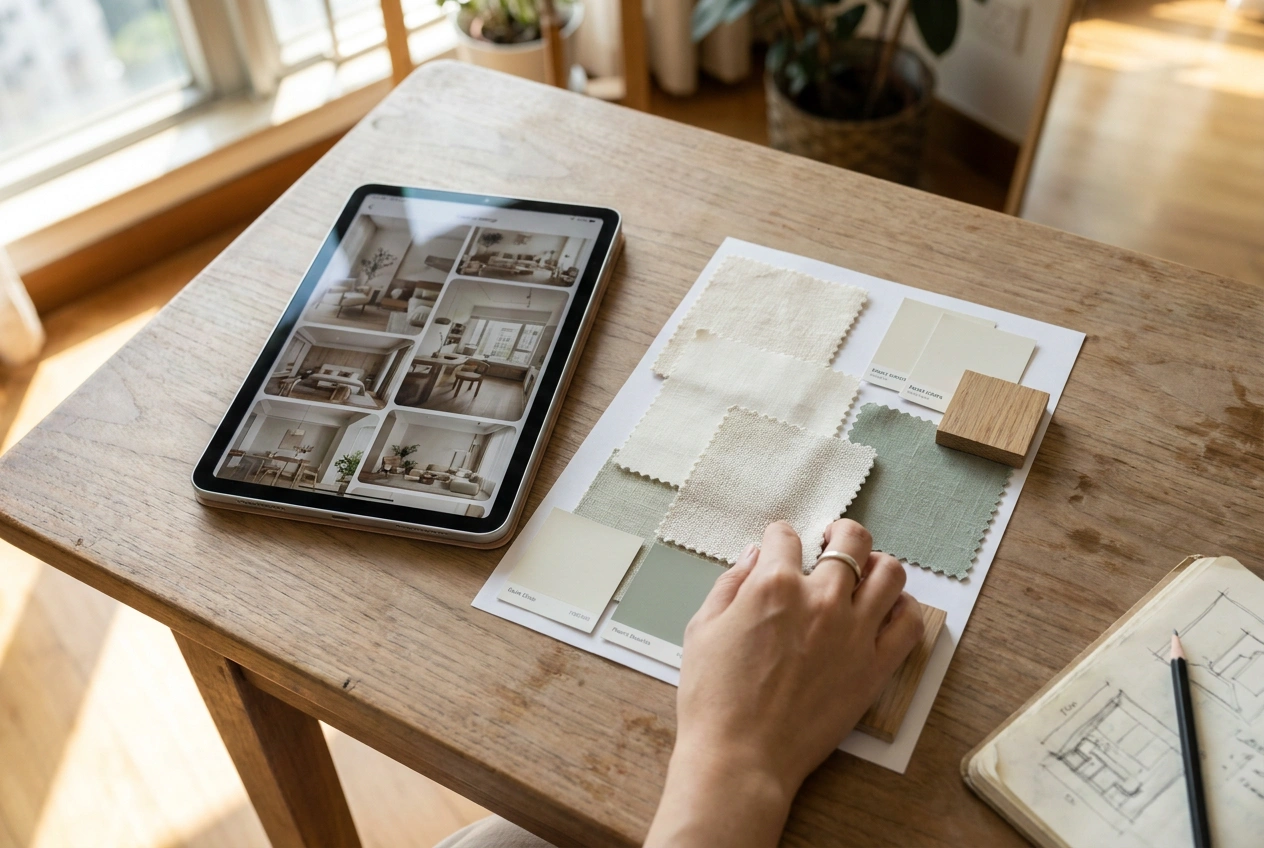
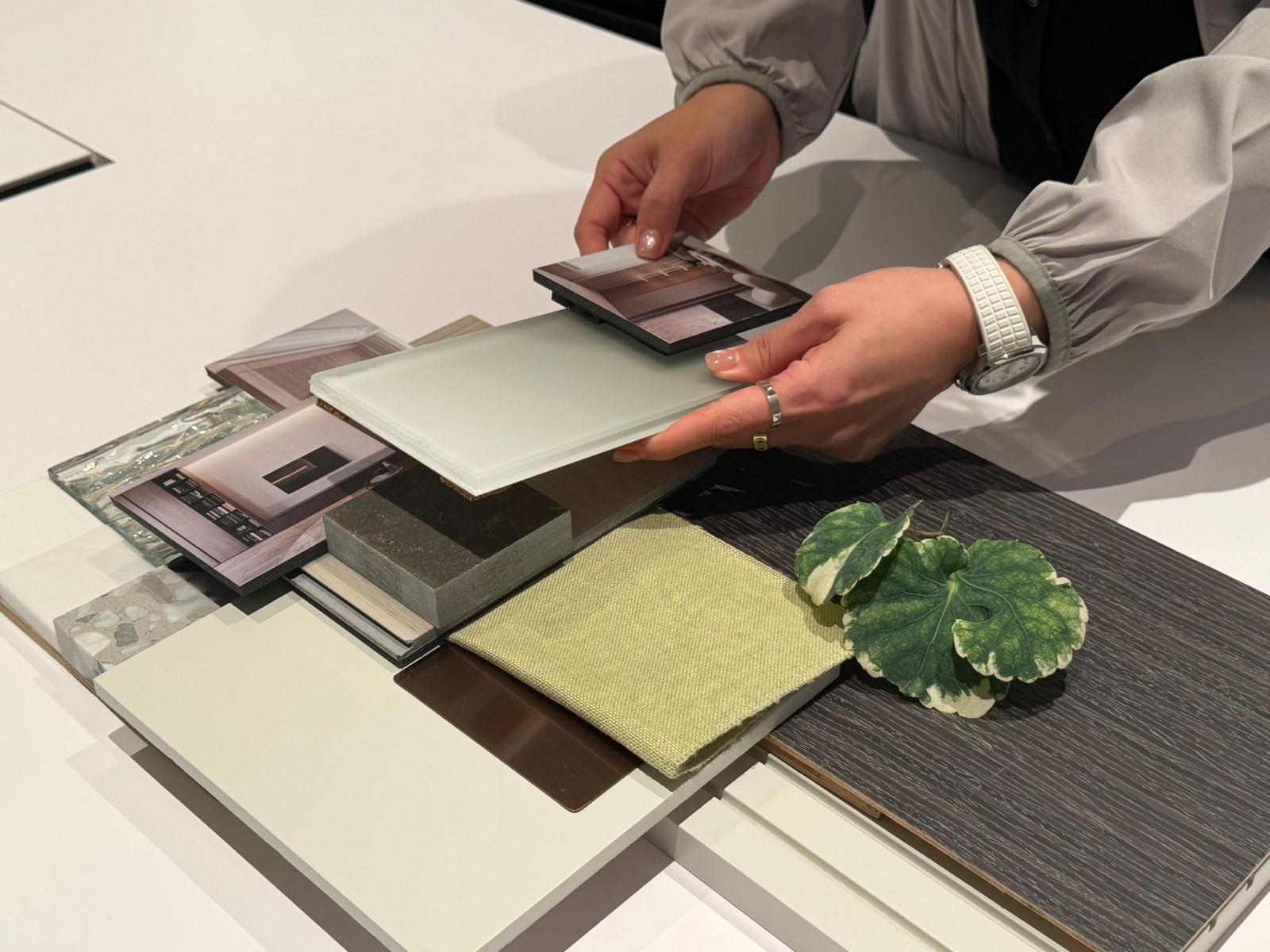
Gathering images is the most valuable thing a homeowner can do before meeting a designer. Apps like Pinterest, or a simple folder of saved photos, let you collect rooms, colours and details you love in one place.
The trick is to look for patterns. Save twenty images and you will notice what keeps recurring, the light, the palette, the mood, which tells a designer far more than a single reference. A clear mood board turns a vague wish into a brief, and it speeds up the whole design stage.
3D room planners
3D room planners let you build a simple model of a room and place furniture and cabinetry to test a layout. They are excellent for sanity-checking whether a sofa fits, how a kitchen flows, or where a wardrobe should sit.
They reward a little patience to learn, and the output is only as accurate as the measurements you feed in. Use them to explore options and rule out what does not work, then let the designer translate the idea into something properly drawn and buildable. They are a thinking tool, not a final plan.
AI render and visualiser tools
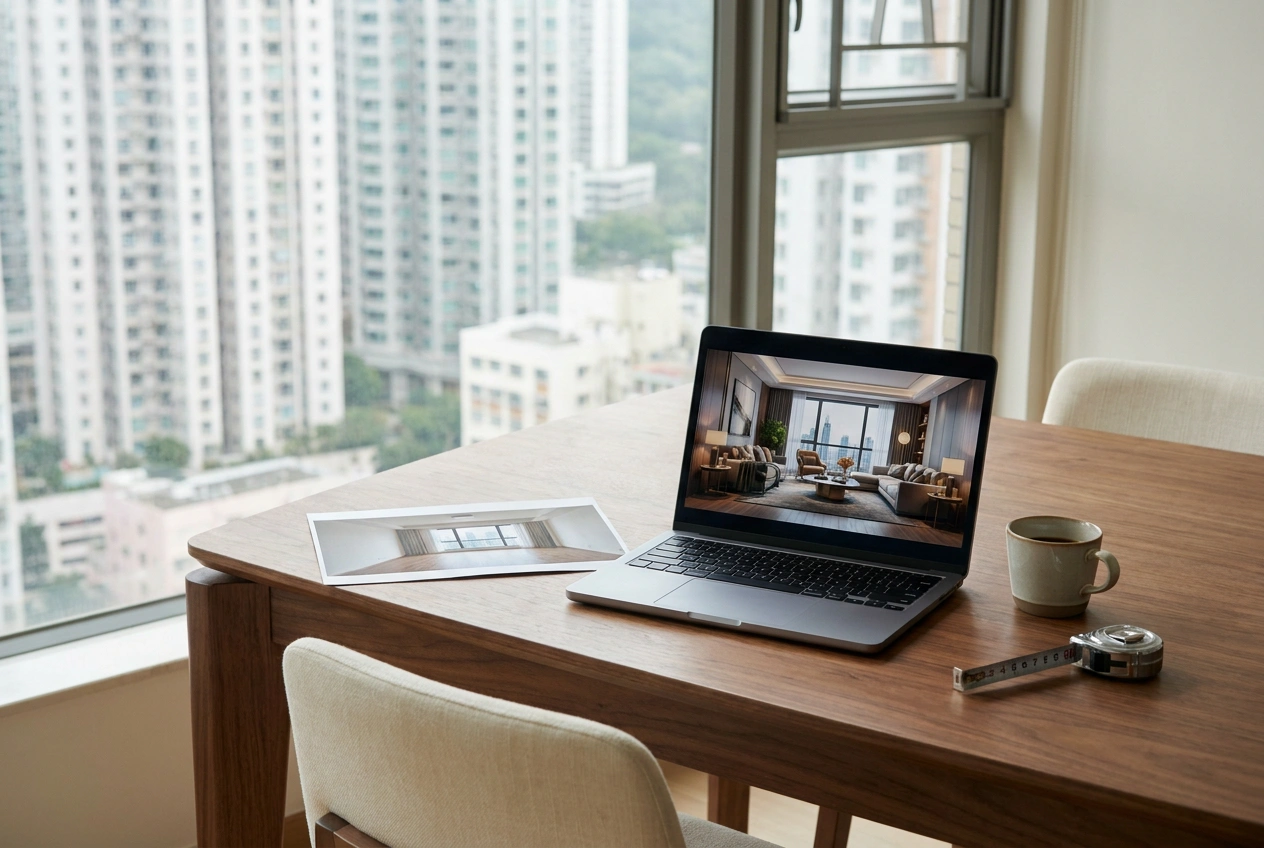
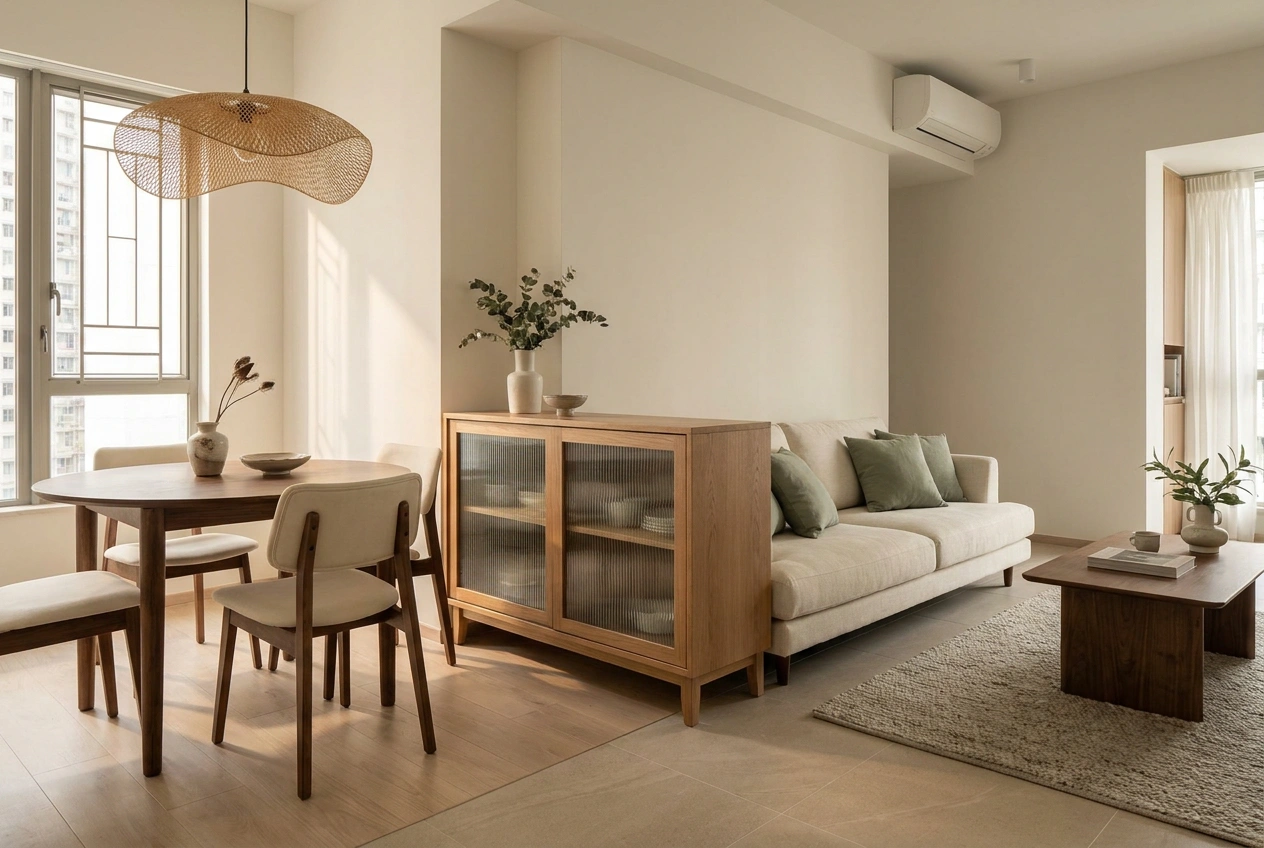
AI interior design tools (ai 室內設計) can take a photo of your room, or a plan, and generate styled visuals in seconds. They are a fast, fun way to explore directions, test a colour, or see a style applied to a space before committing.
The catch is that AI images are impressions, not plans. They invent details that may not be possible, ignore structure and services, and rarely respect exact dimensions. Use them to spark ideas and communicate a feeling, then rely on a designer to turn the appealing ones into something real, costed and buildable.
How to use these tools to brief a designer
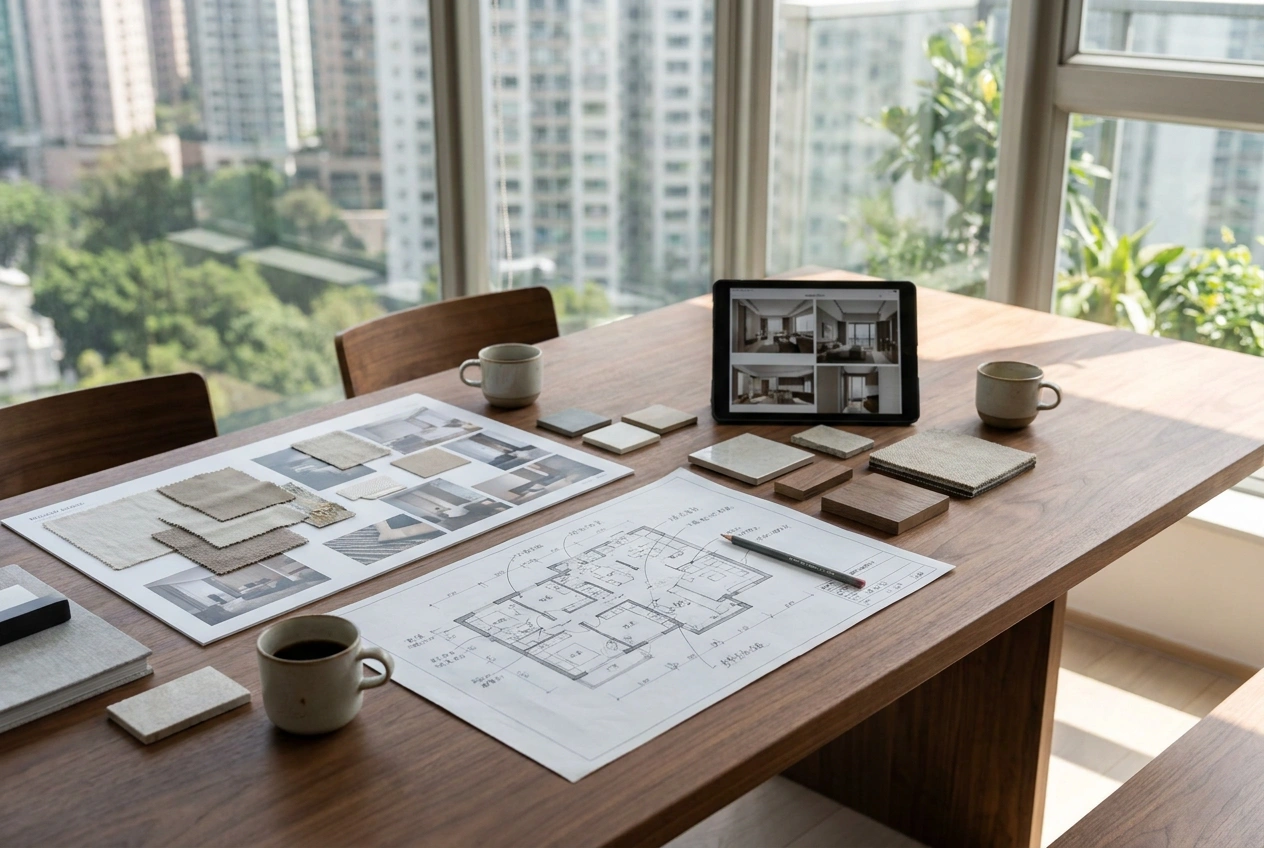
The best outcome is using these tools to arrive at the first meeting prepared. Bring a rough plan with room sizes, a mood board of images you love, and any AI renders that capture the feeling you are after. Note what you like about each, not just the picture.
This shortcuts the early back-and-forth and helps the designer understand your taste quickly. It also helps you: the act of gathering and sorting clarifies your own priorities. The tools do not replace the designer; they make the conversation faster and more precise.
Where the tools stop
It helps to know what an app cannot do. It cannot measure your site accurately, identify which walls are structural, route plumbing and electrics, judge what a landlord or management office will allow, or guarantee that a beautiful render can actually be built and at what cost.
That judgement, turning ideas into a buildable, safe, lasting home, is the work of a designer and the trades. The tools are wonderful for ideas and communication. The expertise that protects your budget and your home is still human.
Open WeChat, Discover, Scan
Or save the QR and import it from your gallery.