
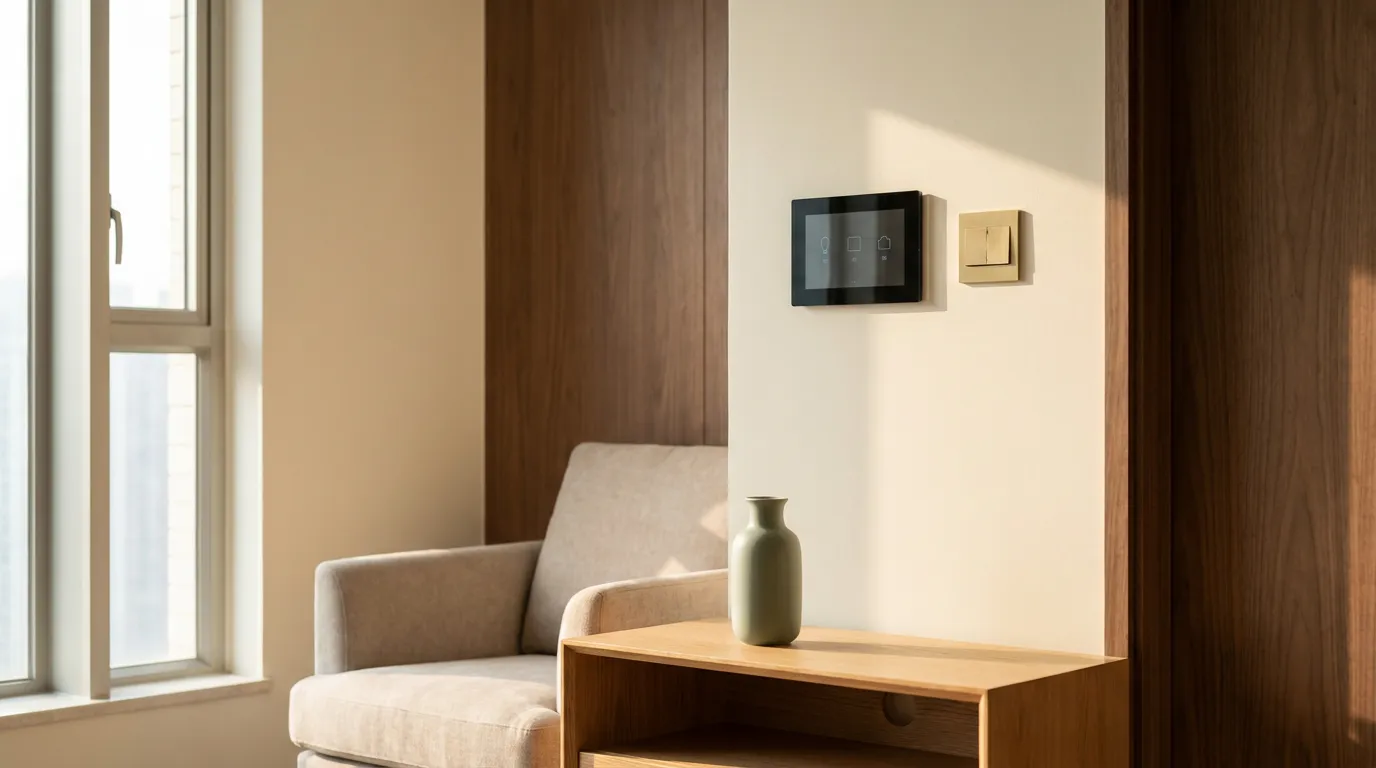
A smart home is easy to imagine and surprisingly fiddly to actually deliver in Hong Kong. The local context is its own beast: 220V British plugs, management-office permits, no-drill rules for renters, a brand market that is narrower than the US or Europe, and decades of buildings designed without conduits for low-voltage cabling. The single most expensive mistake is the easy one: bolting smart devices onto a finished home, rather than planning them in before the walls and ceilings close. This guide is written from the designer's seat, with the order of operations, the brand reality, and what to plan before the first switch is ordered.
Working with Artwill
Why a Hong Kong smart home is different
Three local realities shape every smart-home decision. First, the building. Hong Kong flats run on 220V with British-style sockets, so the lion's share of US gear is incompatible without a regulator or replacement. Second, the management office. Most estates require a written renovation application before any low-voltage cabling work, and some require an approved electrician for switch and gateway installs. Third, the brand market. Voice assistants in Cantonese are still patchy compared to Mandarin or English, and some major US smart-home ecosystems have limited HK reseller support, so spare parts and warranty service can be a real pain.
The point is not to be discouraged. The point is to make decisions in the right order, with eyes open.
The right order of operations
A smart home is layers, not gadgets. Layered correctly, each later step makes the earlier ones smarter. Layered out of order, each layer fights the next.
The order that works in HK flats:
- Lighting circuits and switch positions, decided at the wiring stage.
- Smart switches, picked to match those circuits.
- Air-conditioning control, ideally one zone per room.
- Security: motion sensors, smart door lock, optional camera at the entry.
- Water leak sensors under the kitchen sink, behind the washer, behind every toilet.
- Kitchen appliances that play nicely with the rest.
- Motorised curtains if your blinds touch the ceiling.
- Voice control and routines, layered on top once the above is stable.
The four system tiers
Most HK households end up in one of four tiers, each a sensible stopping point.
- Tier 1, Entry: a smart speaker, a few smart bulbs, a smart plug for the air-purifier, a leak sensor. App-driven, no installation. Renters live here.
- Tier 2, Standard: tier 1 plus smart switches for the main rooms, AC integration through the existing split units, smart door lock. Needs the electrician on site for an afternoon.
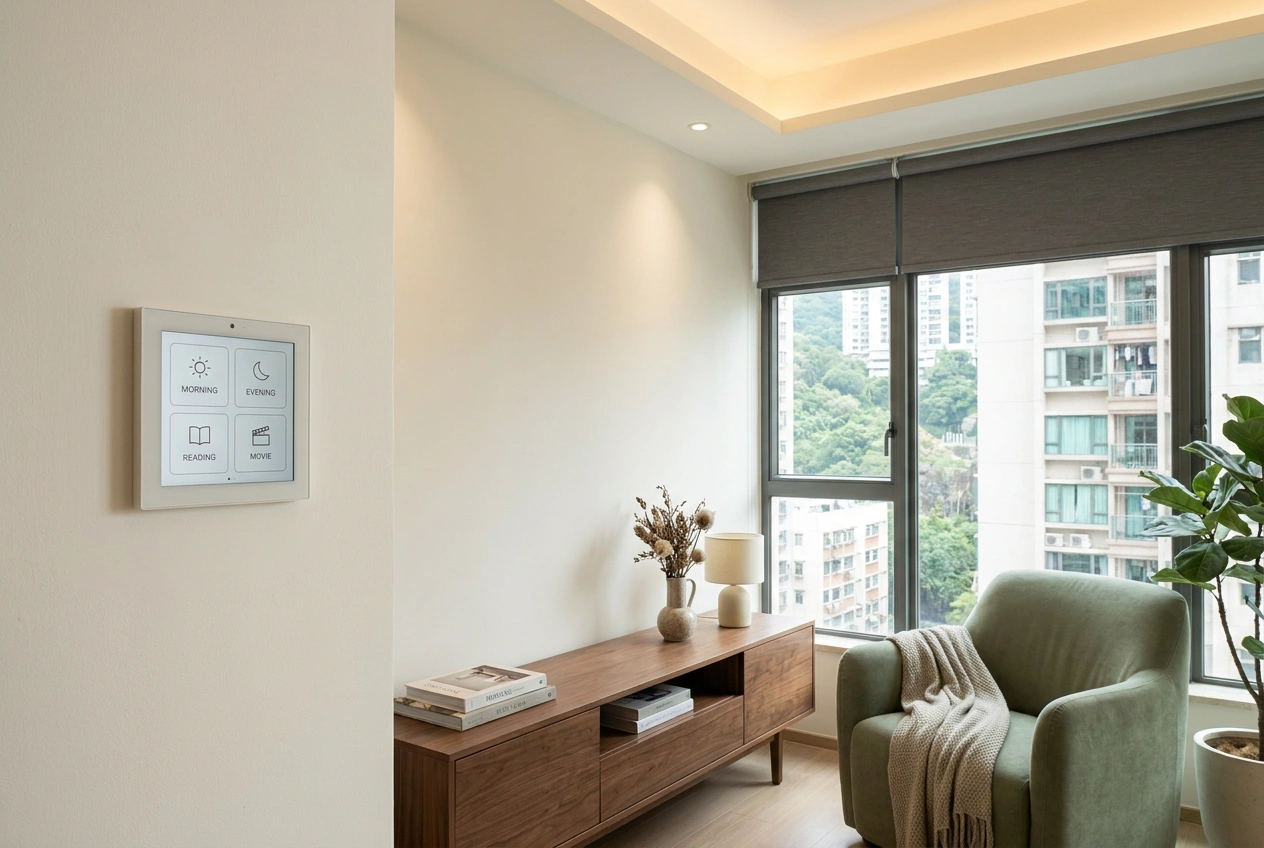
- Tier 3, Integrated: tier 2 plus motorised curtains, hidden gateway, multi-room scenes, water leak coverage, and a wall-mounted control panel so guests are not asked to install an app. This tier needs to be designed in BEFORE the renovation is finalised.
- Tier 4, Full: tier 3 plus VRV air-conditioning zoned per room, ceiling-recessed presence sensors, audio in every room, integrated security camera, and a serious gateway. This is a different price bracket and a different brief, almost always paired with a full design-and-build renovation.
The brand reality in Hong Kong, 2026
Honest version. Apple HomeKit gives the cleanest cross-brand experience but the smallest device catalogue, and the price premium is real. Google Home is broader and cheaper but its Cantonese voice support is still inconsistent. Aqara, Tuya and the Mainland brands cover the widest range, work natively on 220V and are far more affordable, but the app experience is in heavy translation and the privacy posture is different.
A common Hong Kong pattern that works: Apple HomeKit as the front-end (because most family members already have iPhones), Aqara or Tuya as the device backbone (because the catalogue is wide and the prices are sane), and one cloud-isolated gateway. The point is not to pick a winner. The point is to pick a top-level ecosystem your household actually uses, then bring devices in under it.
What renters can actually do without drilling
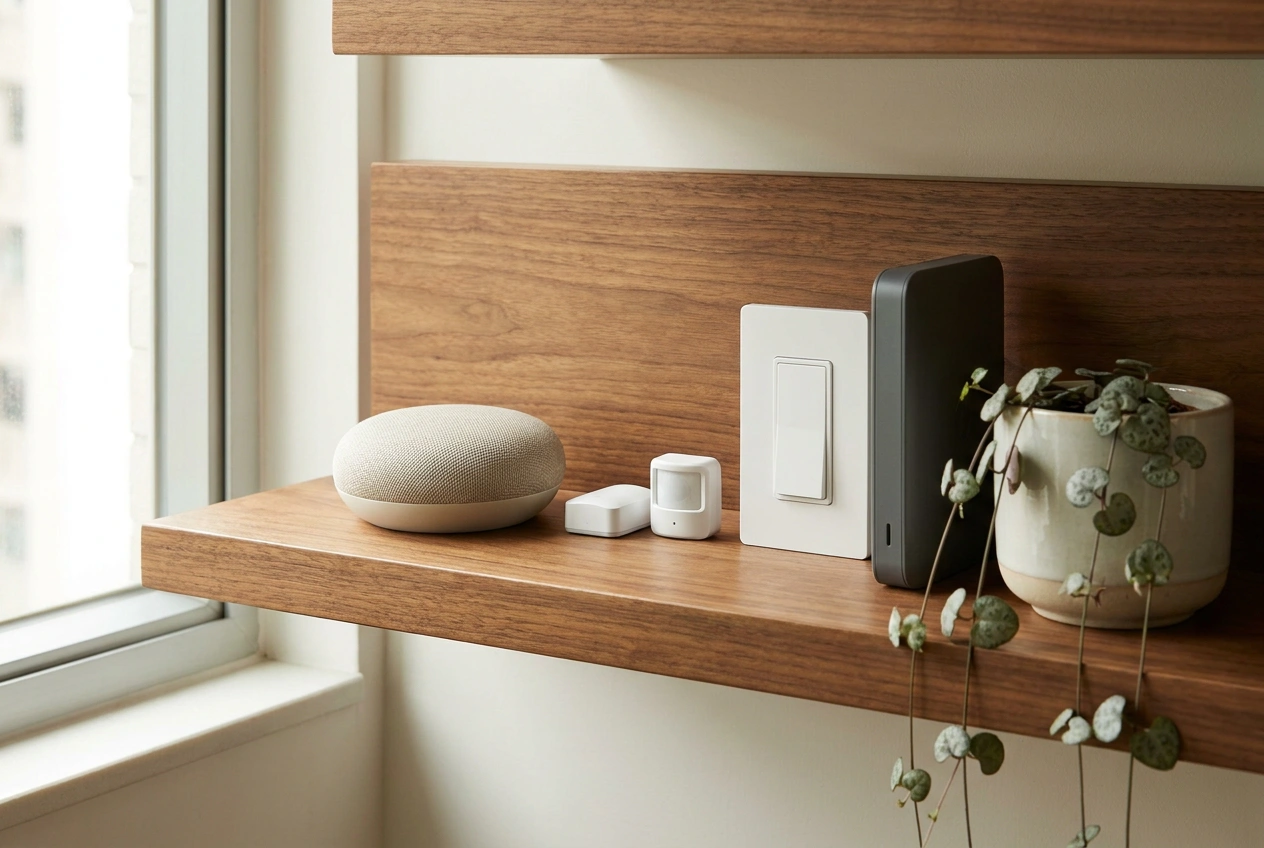
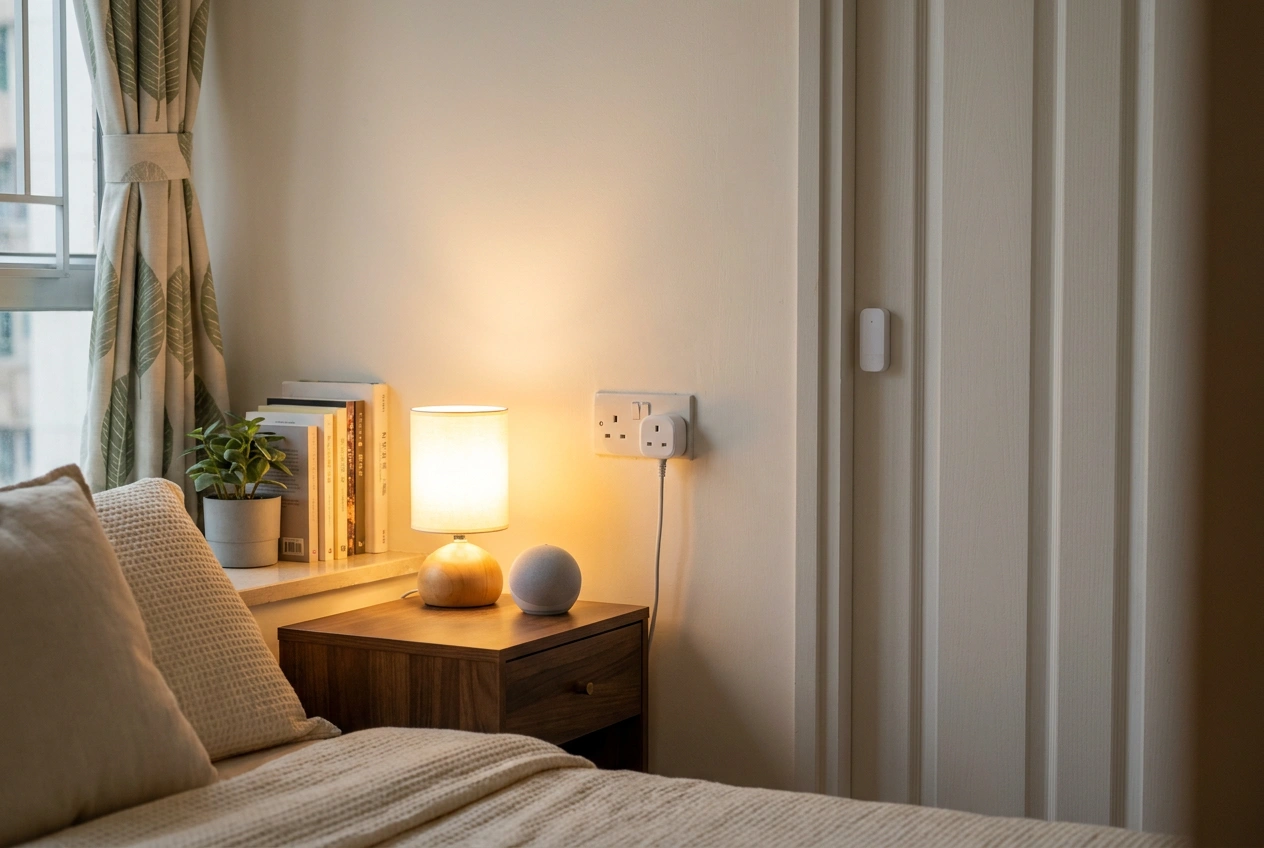
If you rent, your power is mostly in the plug. The tools that fit your situation: smart plugs, smart bulbs in the existing fittings, a smart speaker for voice and routines, a free-standing smart air purifier, a stick-on door or window sensor, a leak sensor on the floor where leaks would pool. None of this needs an electrician or the landlord's permission.
Where renters give up power: light switches, fixed wiring, motorised curtains, the air-conditioning. That is fine. The two-thirds of the value you can capture as a renter is real, and the kit moves with you to the next flat.
Why a designer plans this before the walls go up
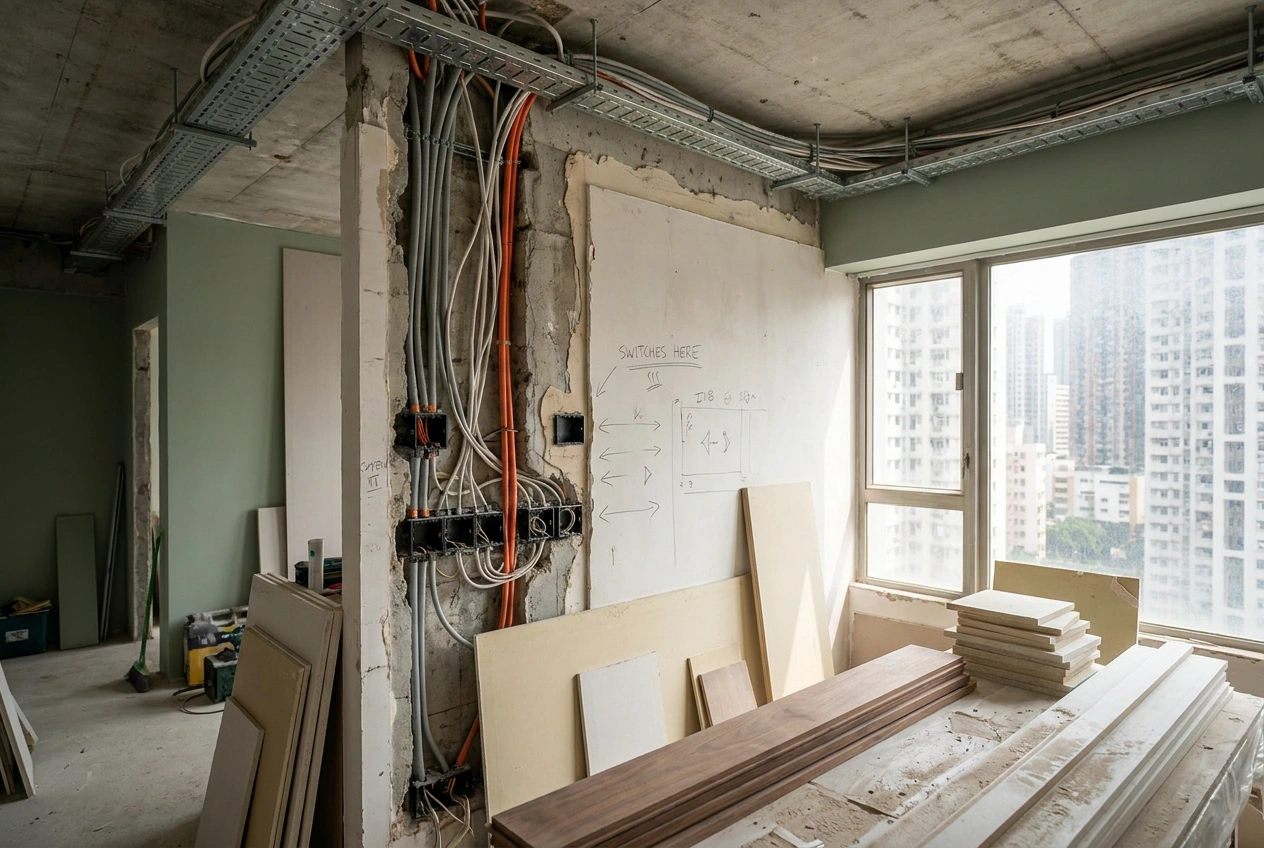
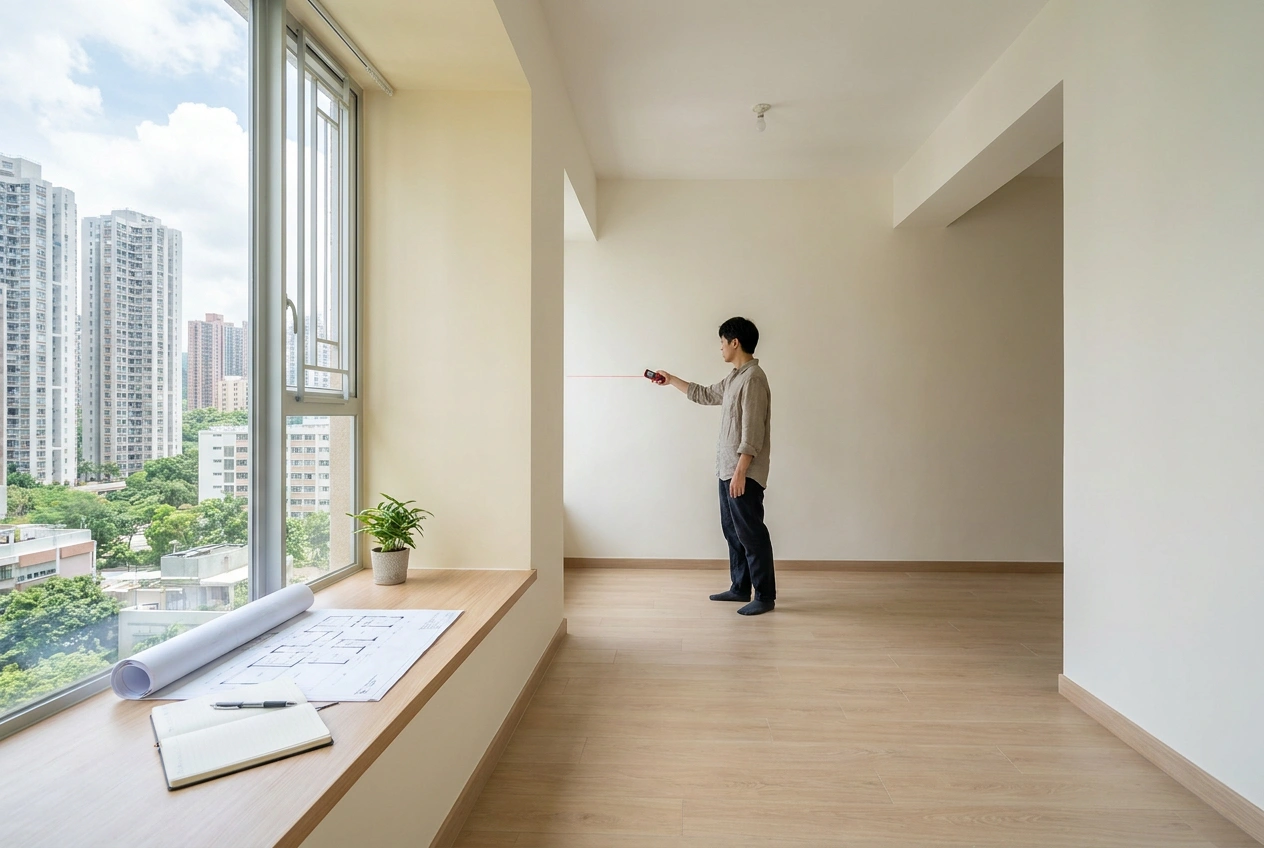
Retrofitting smart home into a finished flat costs two to four times what it costs to plan in at the wiring stage. The expensive items are conduits, neutral wires at every switch position, low-voltage cable runs to where the curtains and AC controllers will sit, and a small dedicated network cabinet. None of these are visible after the works finish. All of them are painful to add once the walls are closed.
When we design a renovation, smart home is one of the first conversations, not the last. We ask which scenes you want, then run the wiring and reserve the wall positions for the panels before any finish goes on. The smart layer becomes invisible, which is the point. Devices come and go; the infrastructure stays.



Open WeChat, Discover, Scan
Or save the QR and import it from your gallery.